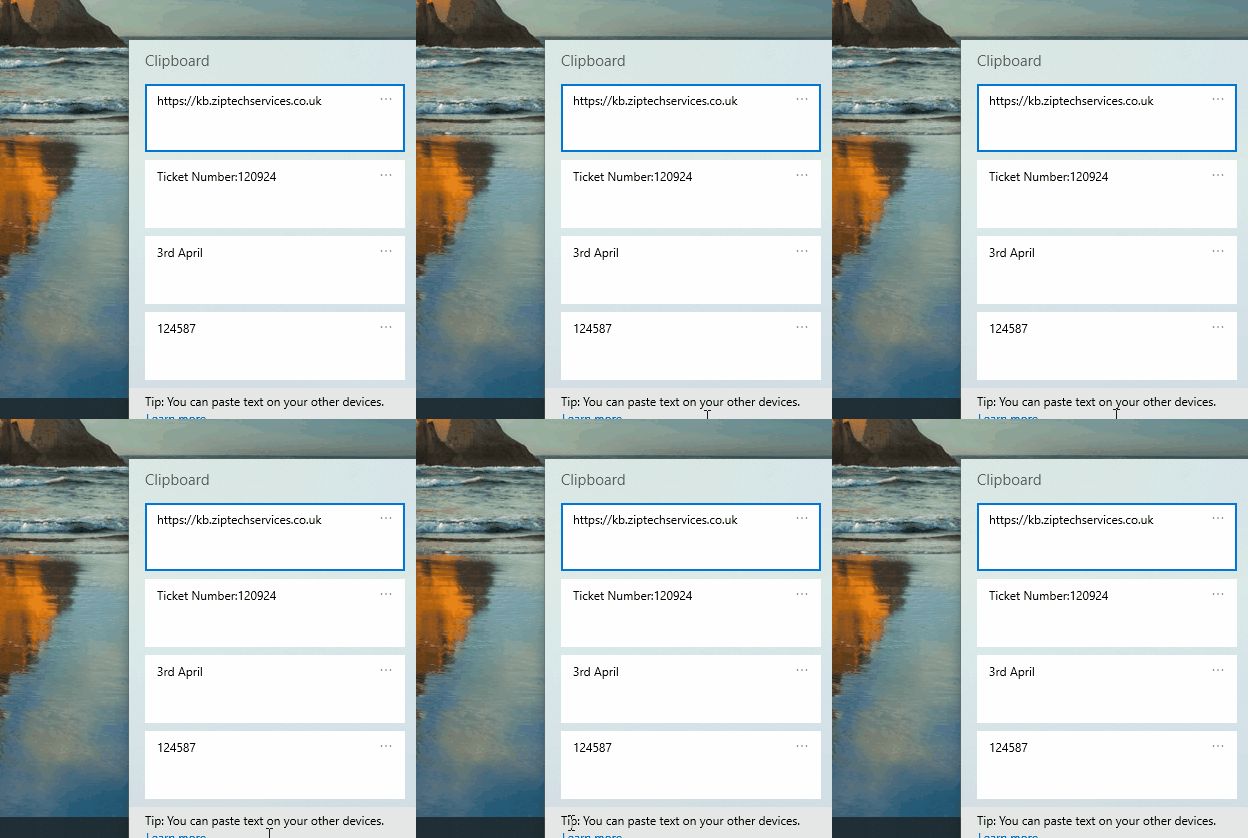
This article will show you how to enable clipboard history. Clipboard history can be used to go back through your previous Copy to Clipboard actions in case you need to remember something important that you copied.
- From your desktop press the Windows Key + V on your keyboard.
- By default Clipboard history is turned off, in the box that appears press 'Turn on'.

- Once turned on, your future Copy to clipboard actions will be available to you by pressing Windows Key + V from your keyboard again.